Configuring user audit logging
• Change ‘User-Audit Logging Disabled’ to ‘User-Audit Logging Enabled’
• The switch is only available in UI for users with admin privilege
User audit logging setting
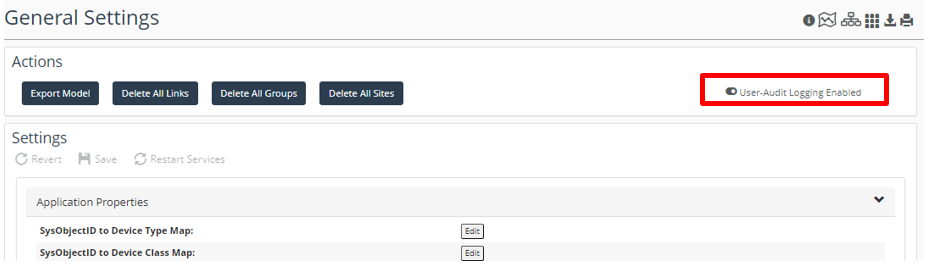
The log is stored at <NetIM Root dir>\log\api_request.<time>.log.
Sensitive information such as username/password are filtered out.
Only API requests handled by NetIM Core are logged in this release.
Sample user audit log
The log file shows “Timestamp | User | Request Action | URL | Content Type | Response Status | Request Body”
User audit log file

Additional information
The enable/disable switch is set in \lib\xml\res\init.res.
Enable/disable switch

A new res file ‘apiRequestLoggingFilter.res’ includes
• specifying which API requests should be logged
• directions for any specialized handling of logged information
– omitRequestBody for sensitive inform
apiRequestLoggingFilter res file
