Working with device login scripts
NetIM automatically creates login scripts required to log in to a device, like for example a CISCO router.
All login scripts are listed under Configure > All Settings > Administer > Login Scripts.
Login Scripts page
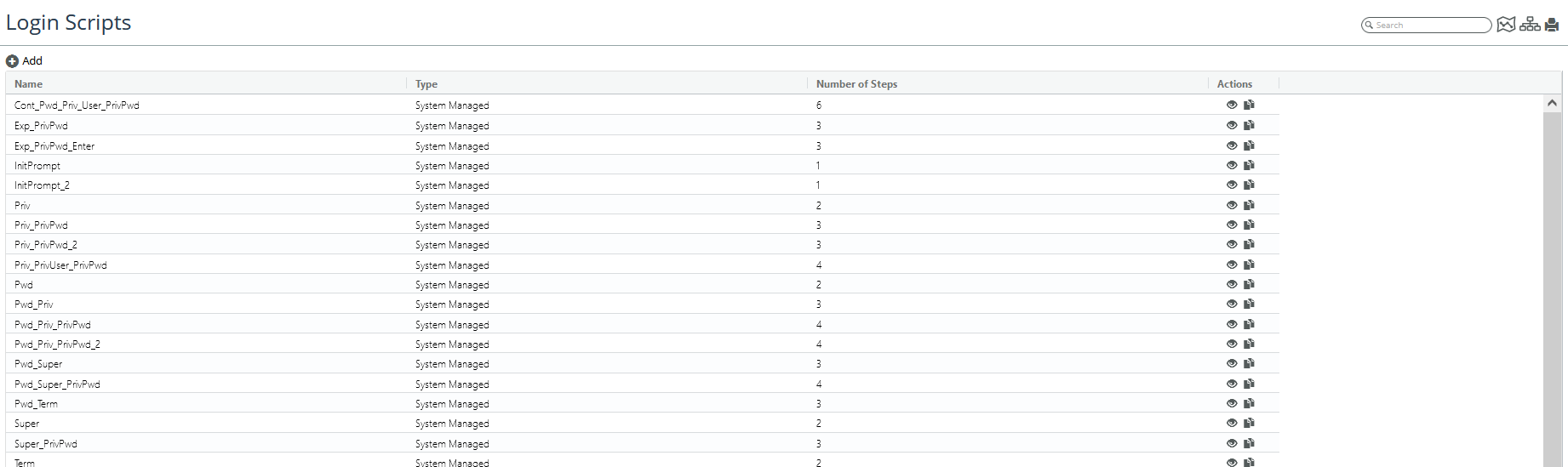
The Login Scripts page is used in the rare occurrence that you need to add a new login script because NetIM could not automatically determine the correct login sequence.
From the Login Scripts page you can do the following:
• View an existing login script by clicking the Eye icon. A screen like the following appears.
Existing login script page
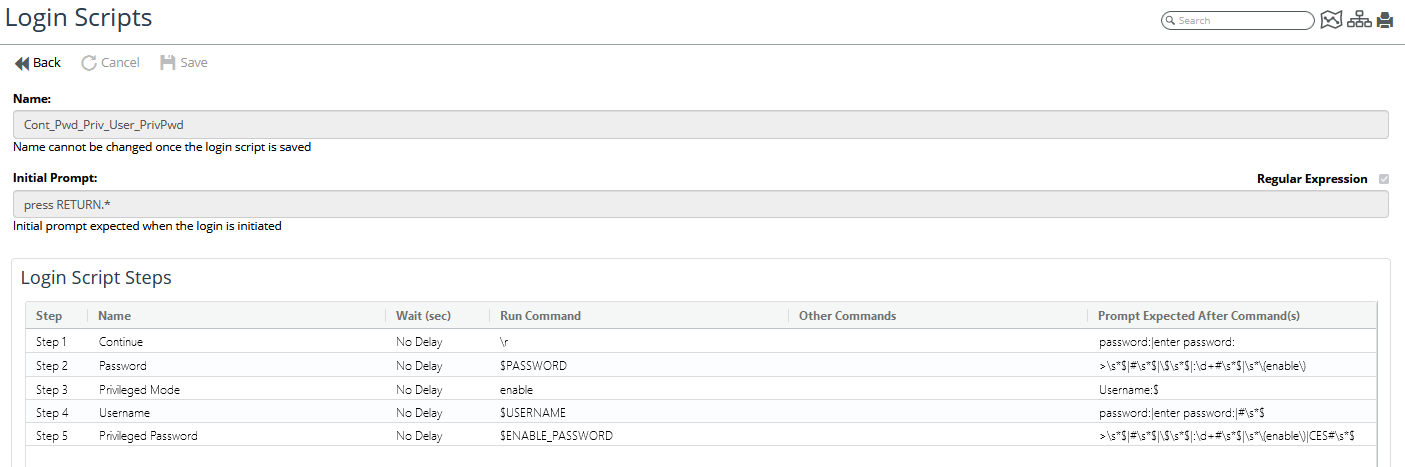
• Duplicate an existing login script by clicking the Duplicate icon.
• Add a new login script by clicking the Add icon. The following screen appears.
Adding new login script
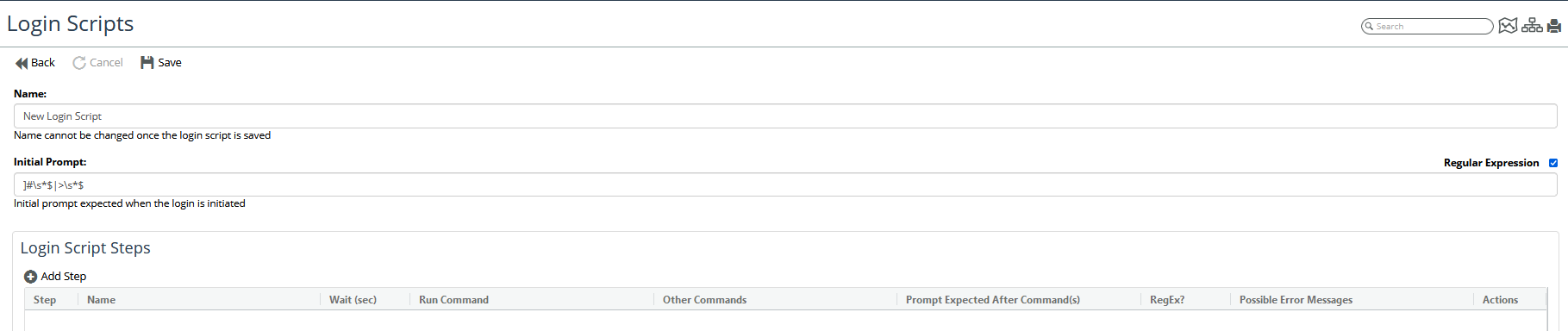
On this page provide a name, an initial prompt, and then click the Add Step icon. The following screen appears.
Login script creation
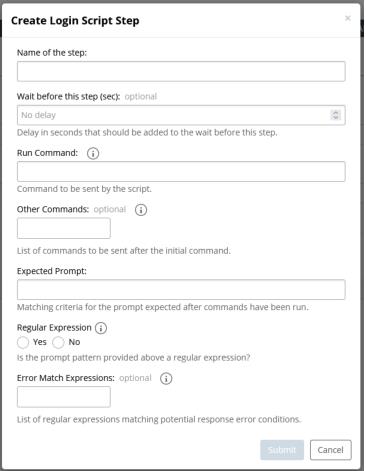
Using the mouse-over tool tips for guidance, fill out the screen and when you are finished click Submit.