Example grouping rules
This section provides example grouping rules. For simplicity, each of these examples is configured to create groups, perform case insensitive matching, and apply to the complete network.
Grouping rule for Cisco as Vendor Type—group by matched string
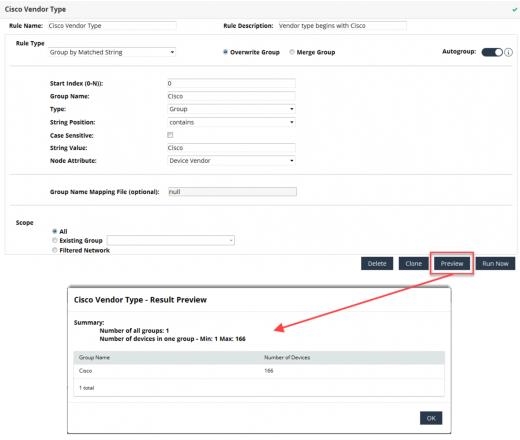
The following figure shows an example of a single node group creation rule. This grouping rule will create one group named “Cisco Vendor Type” with devices that have a Vendor Type that starts with “Cisco.” A preview of the grouping rule shows that there are 166 devices in our network that match this criteria.
Single node group creation rule example
Grouping rule matching first two characters of sysName
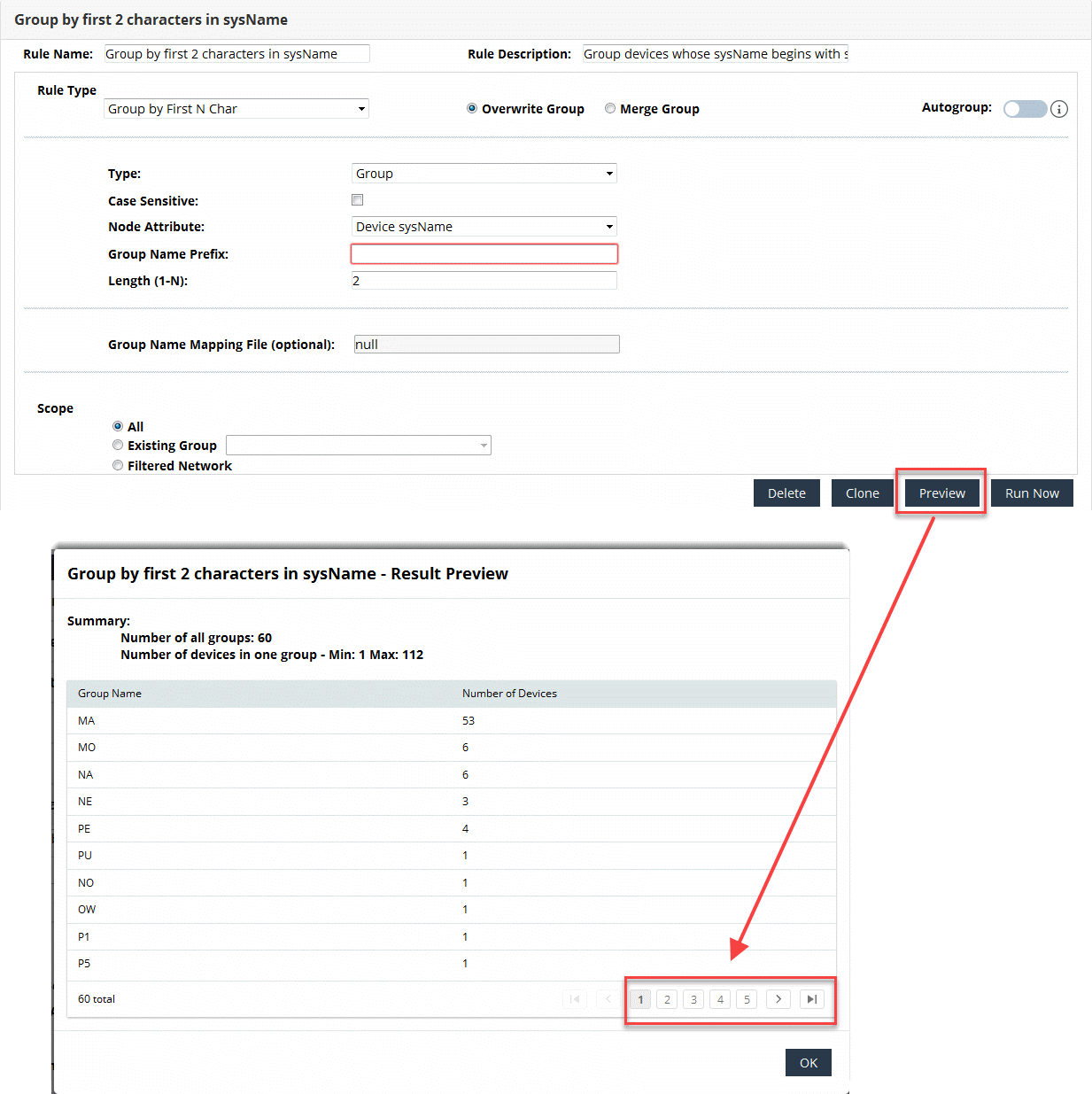
The following figure shows an example of a multiple node group creation rule. This grouping rule will create a group for each sysName that begins with a different two character string. Devices with sysNames that begin with the same two characters are placed in the same group. In the Preview, notice that there are multiple pages of results.
Multiple node group creation rule example