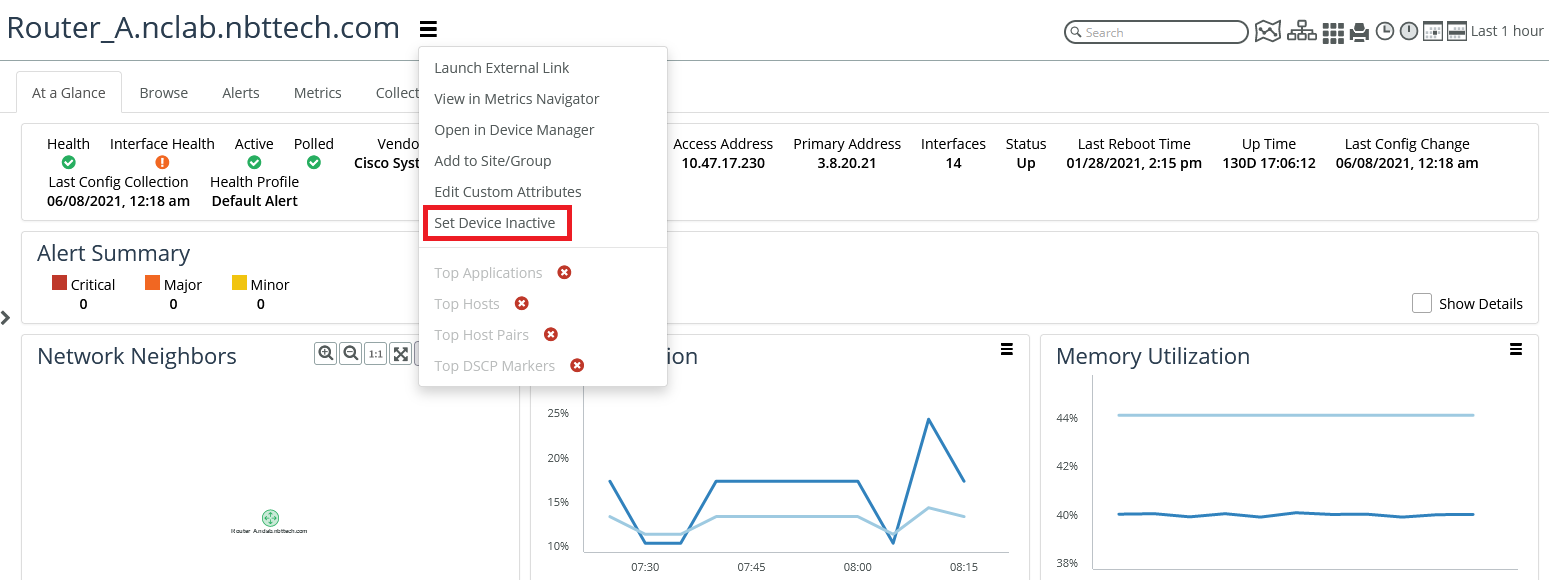
Polling overrides
Polling overrides provides high-granularity control over whether to poll individual interfaces. The polling override is the highest priority control over whether an interface will be polled by the NetIM poller (provided the NetIM poller has sufficient resources). The interface polling override supports three states:
• None—The polling profile’s interface filter will decide if it will be polled by the NetIM poller.
• Exclude from polling—The interface will never be polled.
• Include for polling—The interface will always be polled provided the NetIM poller has sufficient resources
Interface polling overrides can be accessed and controlled from various pages in the NetIM WebUI. For global control over polling overrides, use the Polling Overrides page.
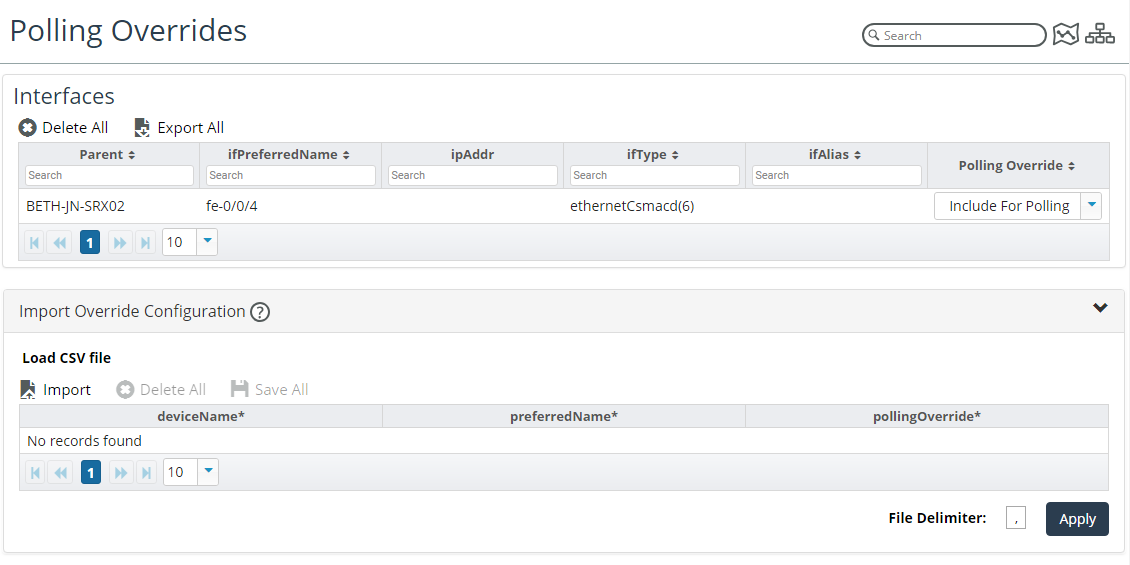
To access the Polling Overrides page, choose Configure > All Settings > Monitor > Polling Overrides. The following screen appears.
Polling Overrides screen
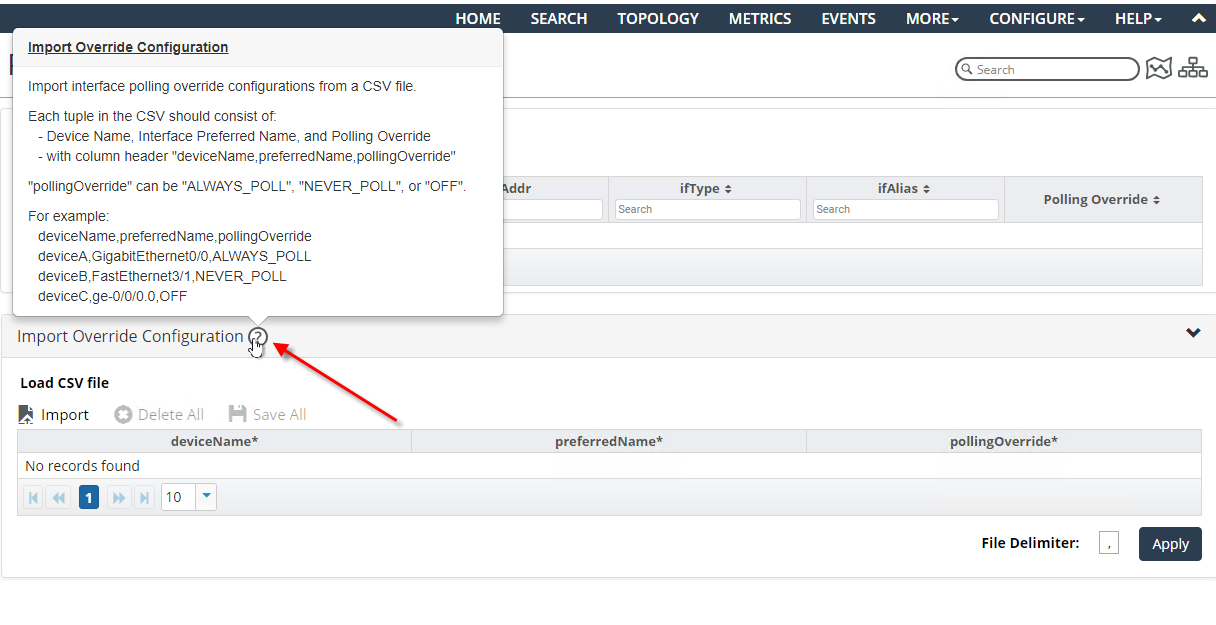
The Polling Overrides CSV format is provided with-the contextual mouse over help, as shown in the following screen, and consists of:
• Header
• Device Name
• Interface Preferred Name
• Polling Override Value
Must be one of the following: ALWAYS_POLL, NEVER_POLL, OFF
Polling Overrides CSV formatting
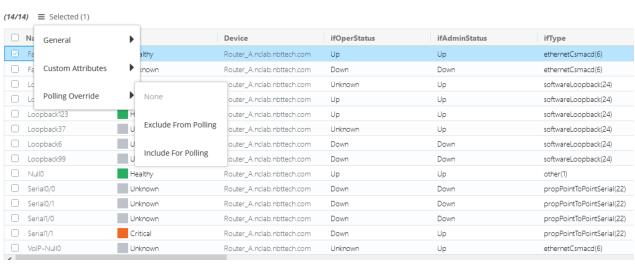
You can also access and control interface polling overrides associated with a device’s interfaces from the Device page > Browse tab > Interfaces table, as shown in the following screen.
Interfaces table
The Interface page also provides the capability to view and edit an interface’s polling override value, as shown in the following screen.
Set devices as inactive