Show info in AppNetwork Path
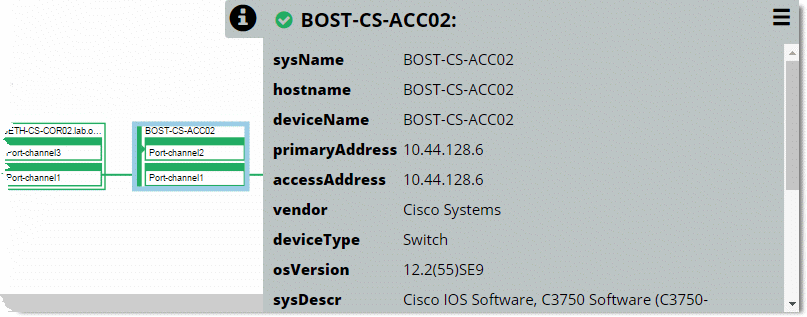
The following screen shows a forward and reverse path in the view—with the BOST-CS-ACC02 device selected and the Show Info icon clicked to see more details about this device. Notice that by clicking the action menu in the upper-right corner, you can access more actions for the device in the pop‑up menu.
For more information about the available actions, see
Topology actions.Path info view with a forward and reverse path
If you select an interface on a device, the Show Info panel opens automatically.