Monitored path alerting
Two metric classes are available to enable path alerting:
• Monitored Path Status
• Monitored Path History
To set up monitored path alerting
1. Log in to the UI as admin.
2. Choose Configure > All Settings > Alert > Alert Profiles.
3. To add a new alert profile, click the +Add icon in the upper left of the page.
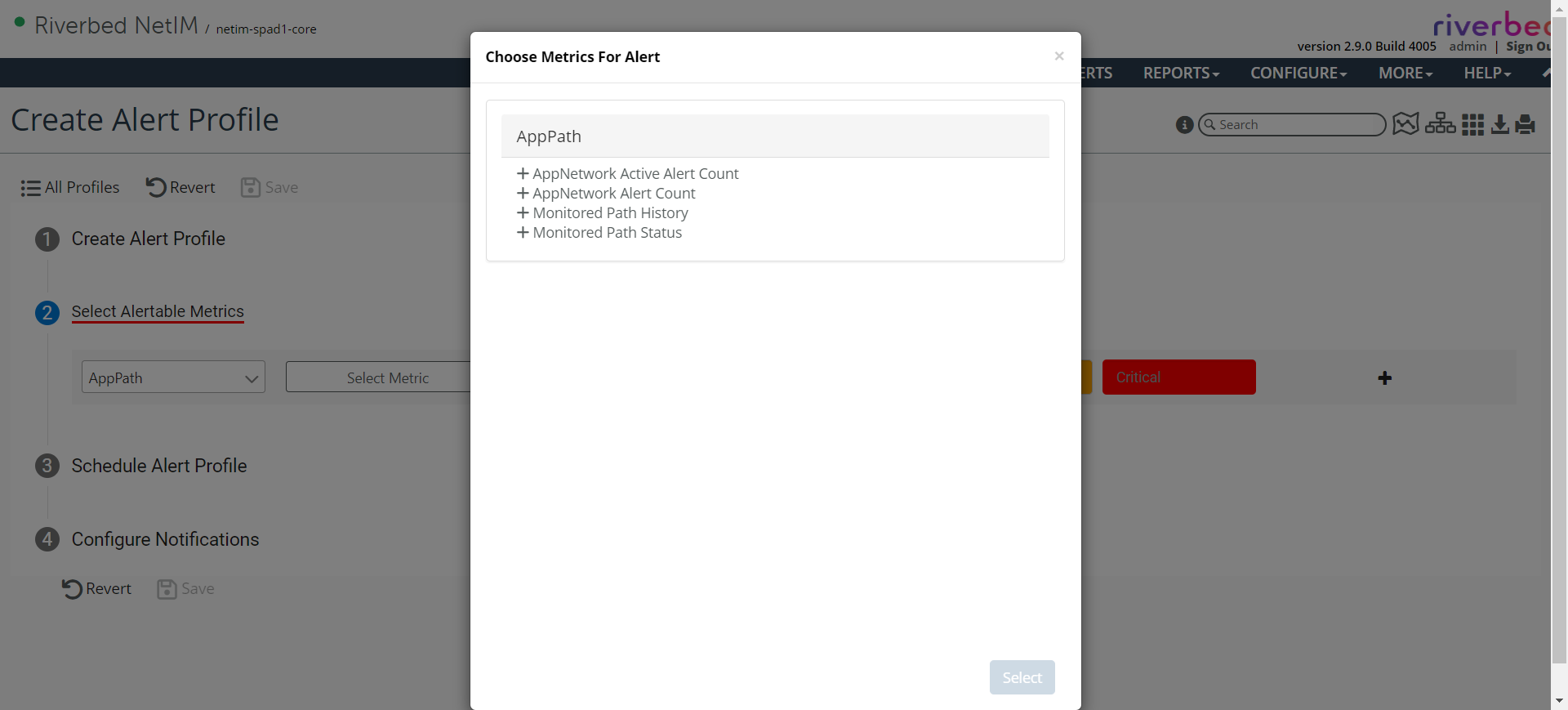
4. In the Select Available Metrics section, select AppPath and click in the Metrics box.
The following pop-up appears with a list of metrics to choose from for Monitoring Path History and Monitoring Path Status.
Choose Metrics For Alert pop-up