Advanced search with query expressions
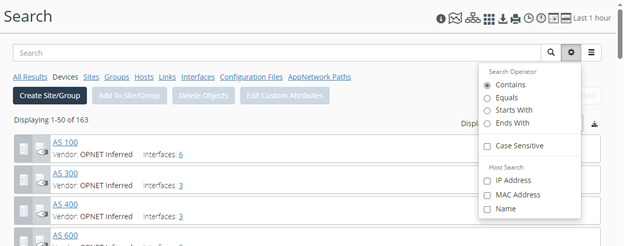
NetIM’s Search page allows you to use search expressions to search for exactly what you are looking for. NetIM’s Search Expression search also provides a query language and type-ahead to make creating complex searches easy, as shown in the following screen.
Search page using advanced search with query expressions
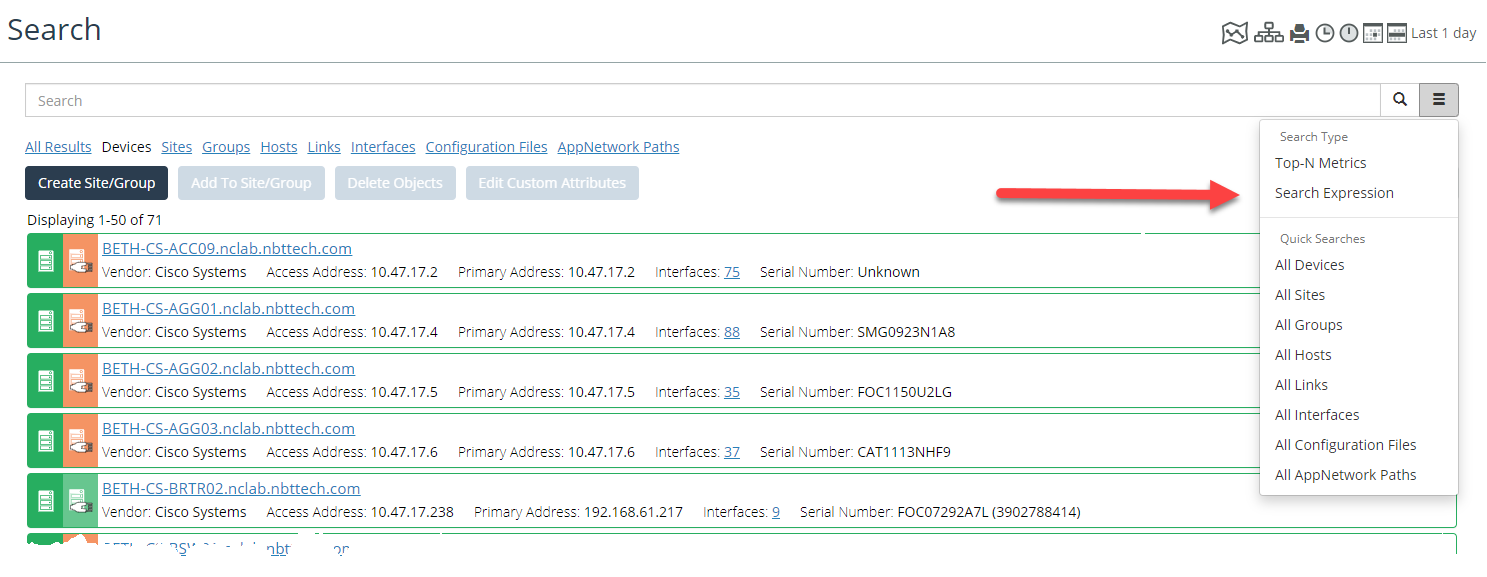
Search by Search Expression’s type-ahead support includes search attributes (including custom attribute definitions), attribute values (including custom attribute values) and relevant operators available for selection as you type, as follows.
Search Expression’s type-ahead function
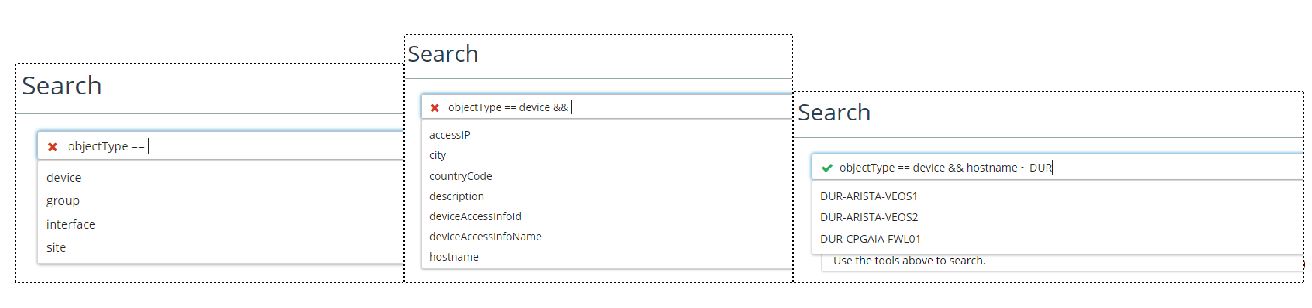
To get started with Search-by-Search Expression, note the following:
• The objectType keyword can be used to limit your search to query for a specific object type. ObjectType values supported are device, interface, group, or site.
• Comparison Operators are ==, !=, ~, !~.
• Logical Operators are &&, ||.
• The Search-by-Search Expression supports the following:
– Multiple search queries can be combined using the supported logical operators.
– Parentheses are supported to enable complex query grouping.
– Search attribute values containing spaces must be wrapped in double quotes.
You can use the Advanced Search option to further limit your search.
Search advanced options