Searching for Top-N Metrics
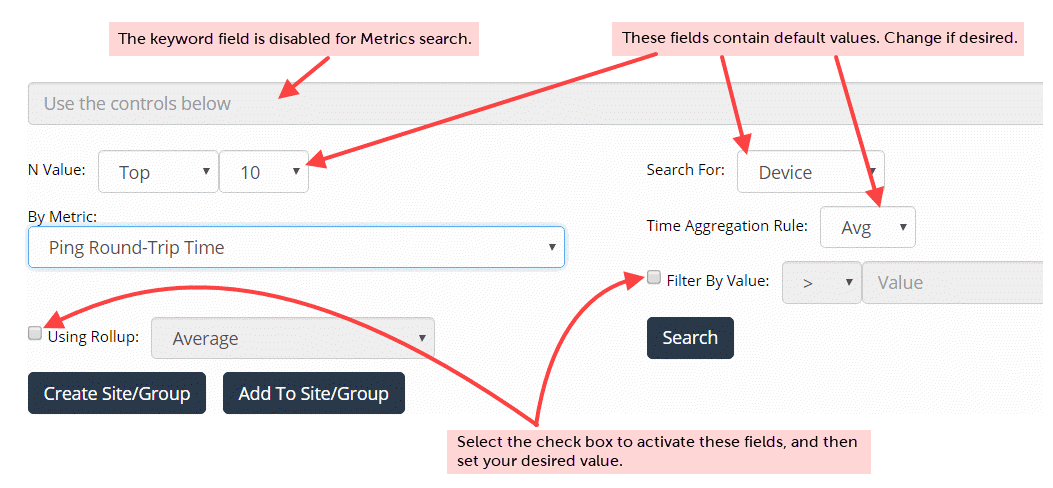
The following figure shows the fields for a Top-N Metrics search.
Note the following:
• The only field that requires input is the By Metric field. Choose an option from the drop-down menu.
• All other fields have default values that you can change, if desired.
• If you select items in the search results, you can add the items to a group.
Fields for a Top-N Metrics search
Using these parameters, our search returned the following results for the top 10 devices by average Ping Round-Trip Time.
From the results, if you want to find more specific information, you can click the object name and go to its curated view, as shown in the following screen.
Curated view
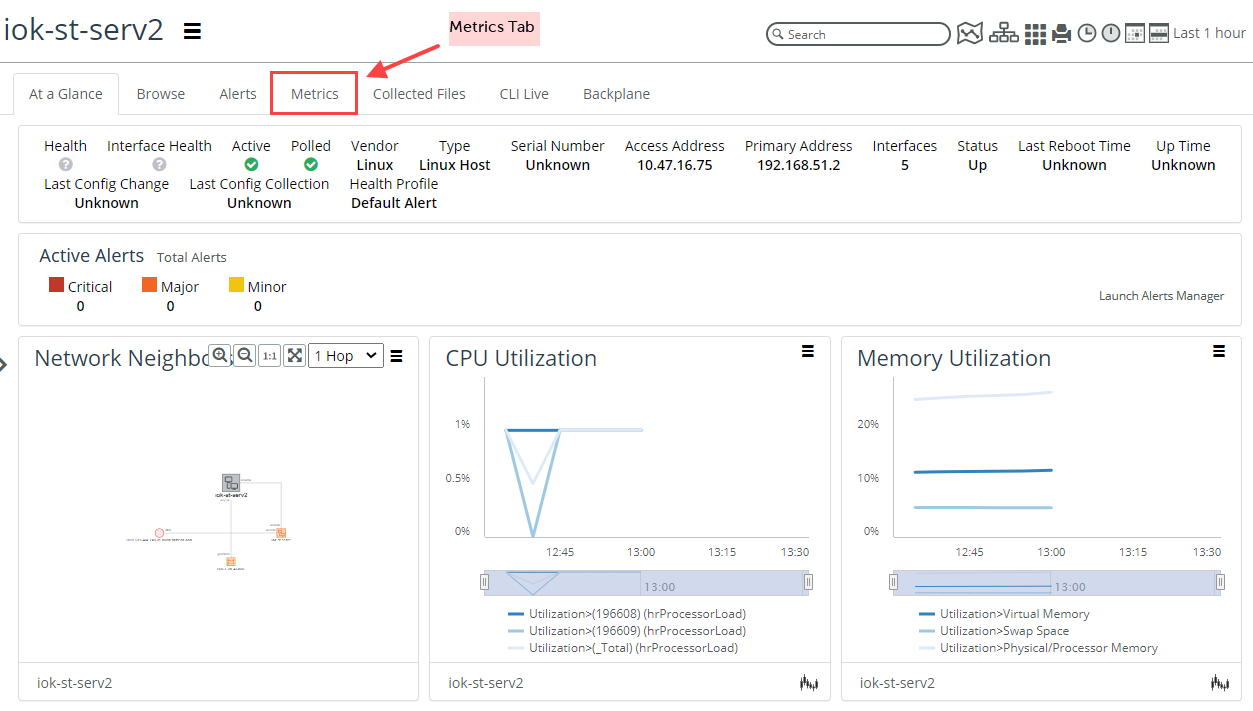
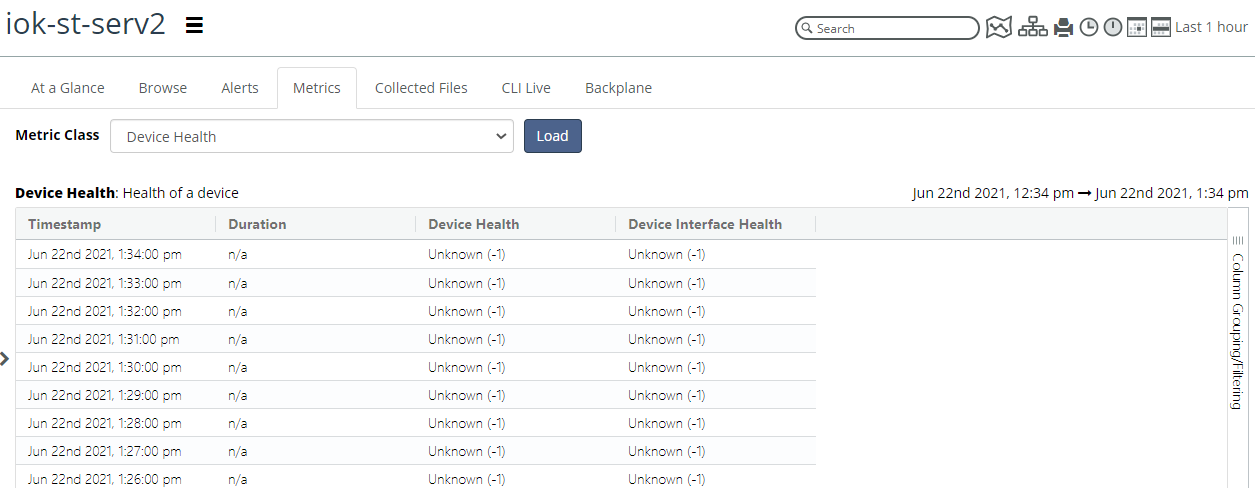
You can then select the Metrics tab, select a Metric Class, and click Load to get more information. The following screen shows Device Health metrics for the object of interest.
Device Health metrics