Grouping elements from search
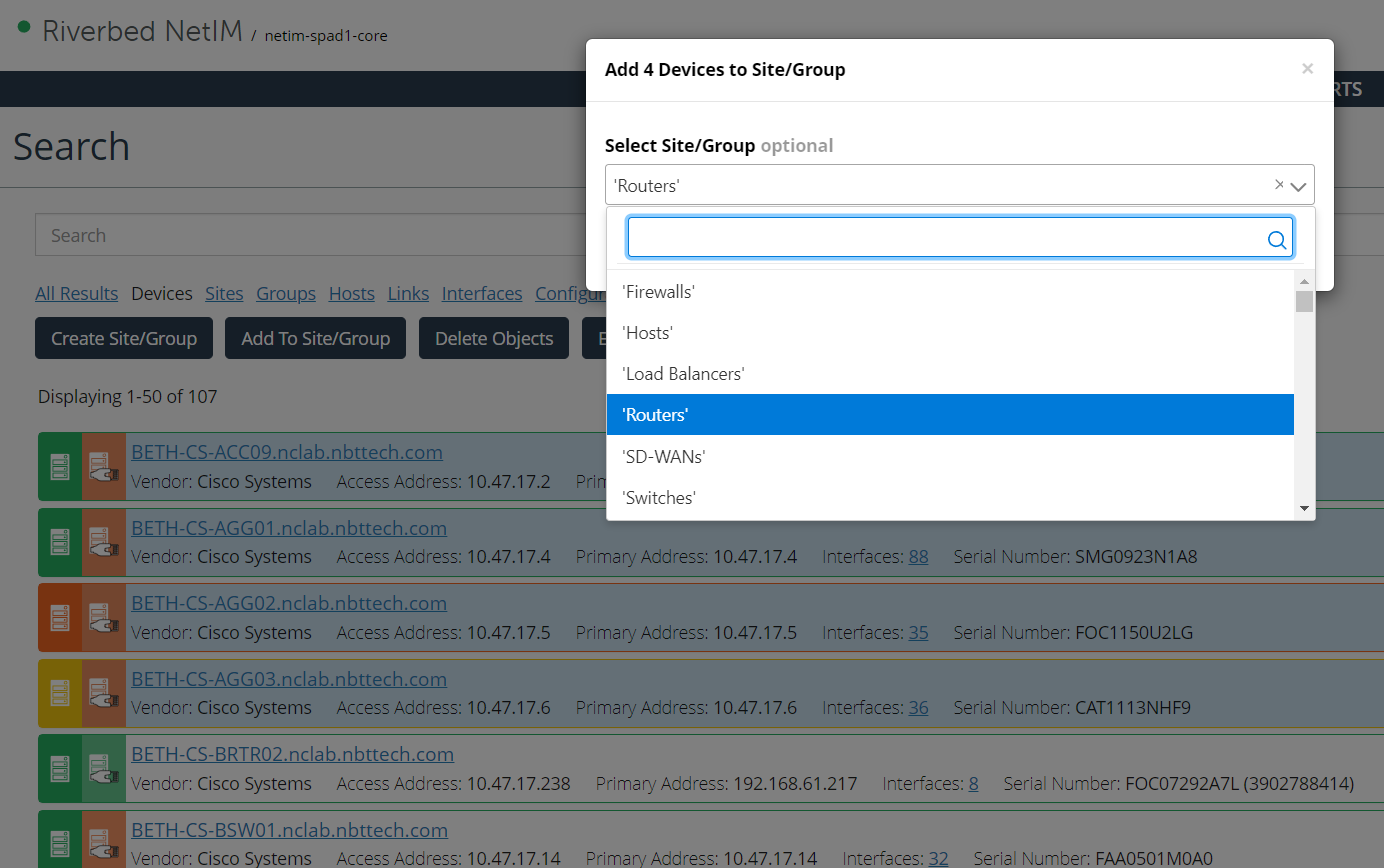
Once you have your search results, you can select items and add them to a site or group or create a new site or group from the selection. In the following example, you have selected several devices you want to add to a site or group. After selecting the items, you can click Add to Site/Group to launch the grouping dialog box.
The Add To Site/Group button only becomes active if you have selected sites, devices, or groups.
The following screen shows grouping elements from Search by adding them to the group Routers.
Grouping elements from Search
Be aware that search results can span several pages. You may page through to select multiple objects. When you return to the first page, all selections are remembered, but if you enter a new search term, your selections and results are cleared.