Adding selected objects to an existing site/group
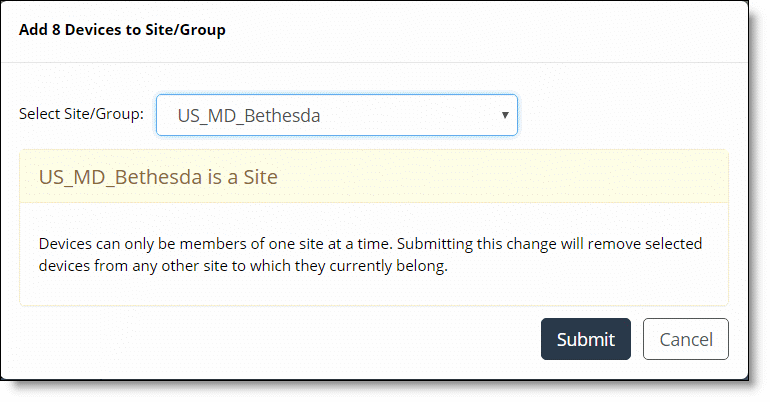
After you select the site/group to which you want to add the devices, the Submit button becomes active. Clicking Submit saves and commits the change. If you attempt to add the devices to a site, you will see the warning shown below. If you click Submit, any devices belonging to another site will be removed from the existing site and added to the new site you have chosen, as shown in the following screen.
Removing devices from another site and adding them to the new site