Exporting search data to CSV files
NetIM supports exporting tabular search data to CSV files from the Search page, which is accessed from the main navigation frame at the top of the UI.
To export tabular search data, click the export icon in the Search page, as shown in the following screen.
Export icon in the Search page
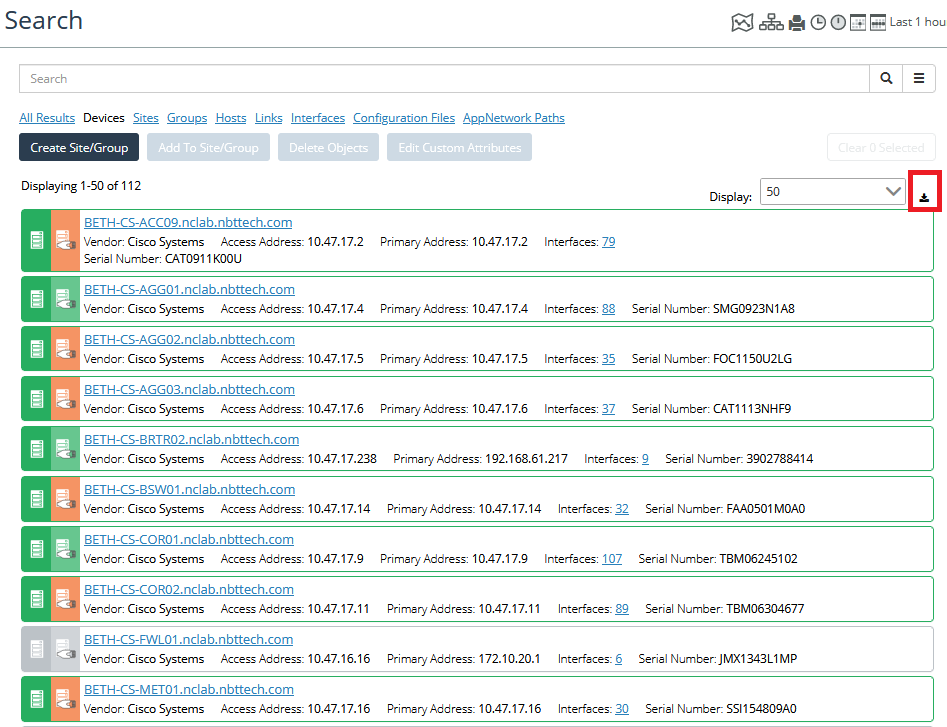
Every search option result can export data.
After clicking the export icon, the following screen appears.
Exporting tabular search data
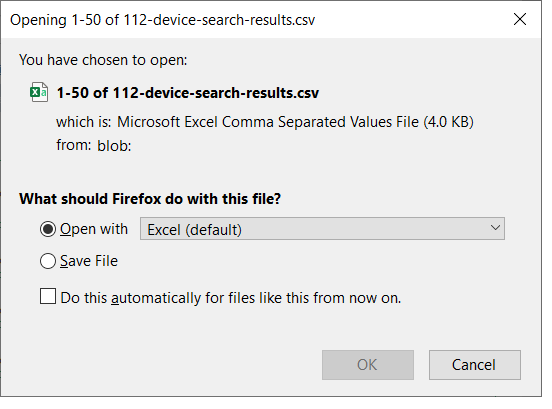
Decide what the browser should do with the file, and then click OK.