Working with test engines on the Synthetic Test Sources tab
The Test Sources page presents a list of the test engines associated with this instance of NetIM, as shown in the following screen.
Test engines
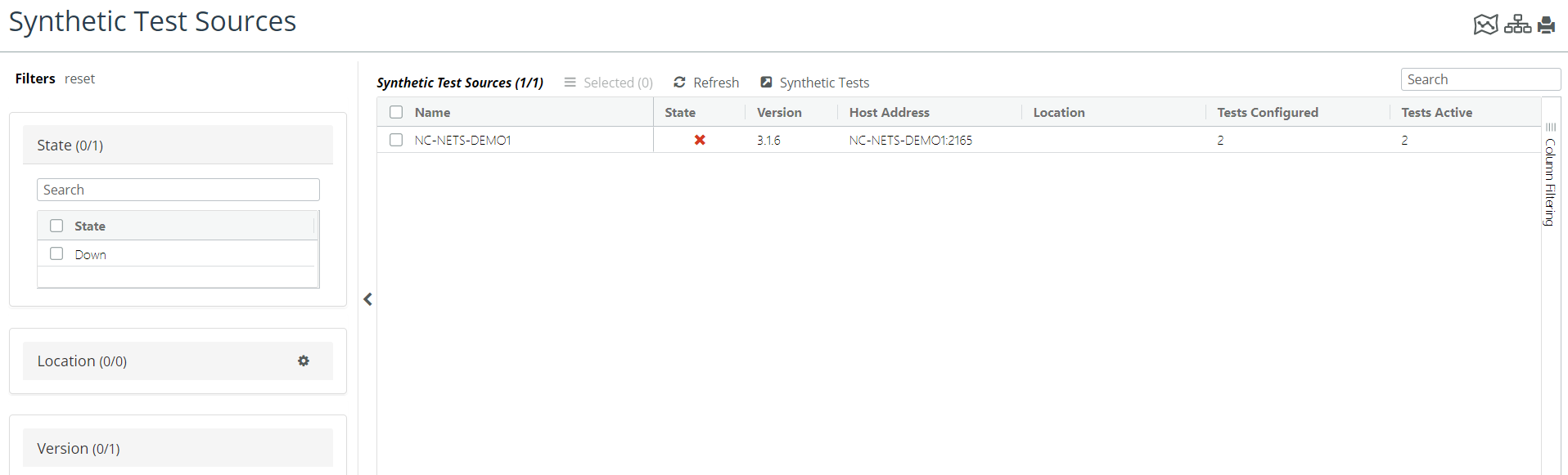
The controls and indicators on the Synthetic Test Sources page are:
• Select check box—Select the check box in the Name Column to select a test of interest. All selected tests are subject to modification in the action menu.
• Action menu—From this menu you can do the following:
– Edit Name—Modifies the display name(s) of test sources in all profiles and in all tests. Display names are initially derived from hostnames, but this command does not modify hostnames.
– Set location—Assigns a country and region, and city of this test source.
– Unset Location—Deletes location information.
– Delete—Removes the selected test source from the Synthetic Test Sources list and all associated tests from the Synthetic Tests list.
Filtering the set of test sources that appear on the Test Sources tab
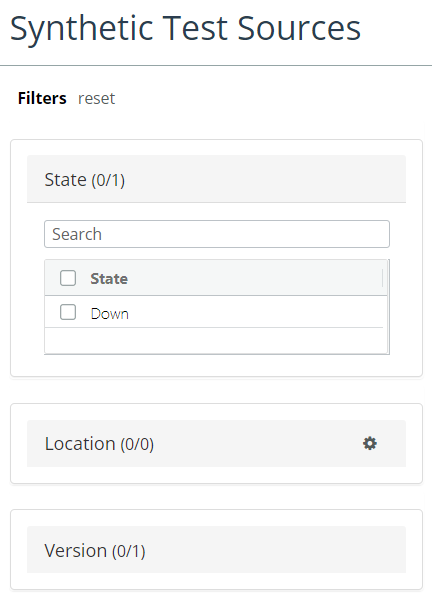
To limit the set of tests sources that appear in the list, click Up or Down. Click All to show all test sources.
Test Sources filter