Viewing Synthetic Test sources
In 2.4.0, NetIM introduced support for a landing page for each Synthetic Test.
To access the landing pages
1. Log in to the NetIM UI as admin.
2. Choose More > Synthetic Tests. The Synthetic Tests page displays.
3. To view a Synthetic Test source page, click a Synthetic Test of interest under the Name column, and the source page displays.
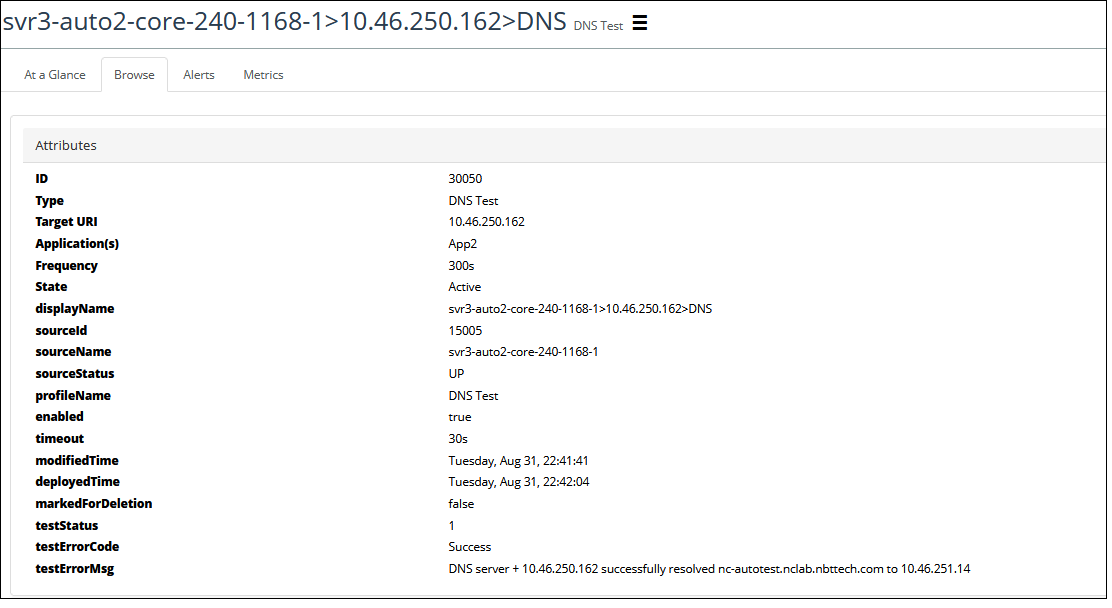
The Synthetic Test source page displays the At a Glance tab by default, and supports a Browse tab for associated test configuration, and Metrics and Alerts tabs to allow you to view the associated metrics and alerts for the Synthetic Test.
The following screen shows the Synthetic Test attributes displayed on the Browse tab.
Synthetic Tests attributes