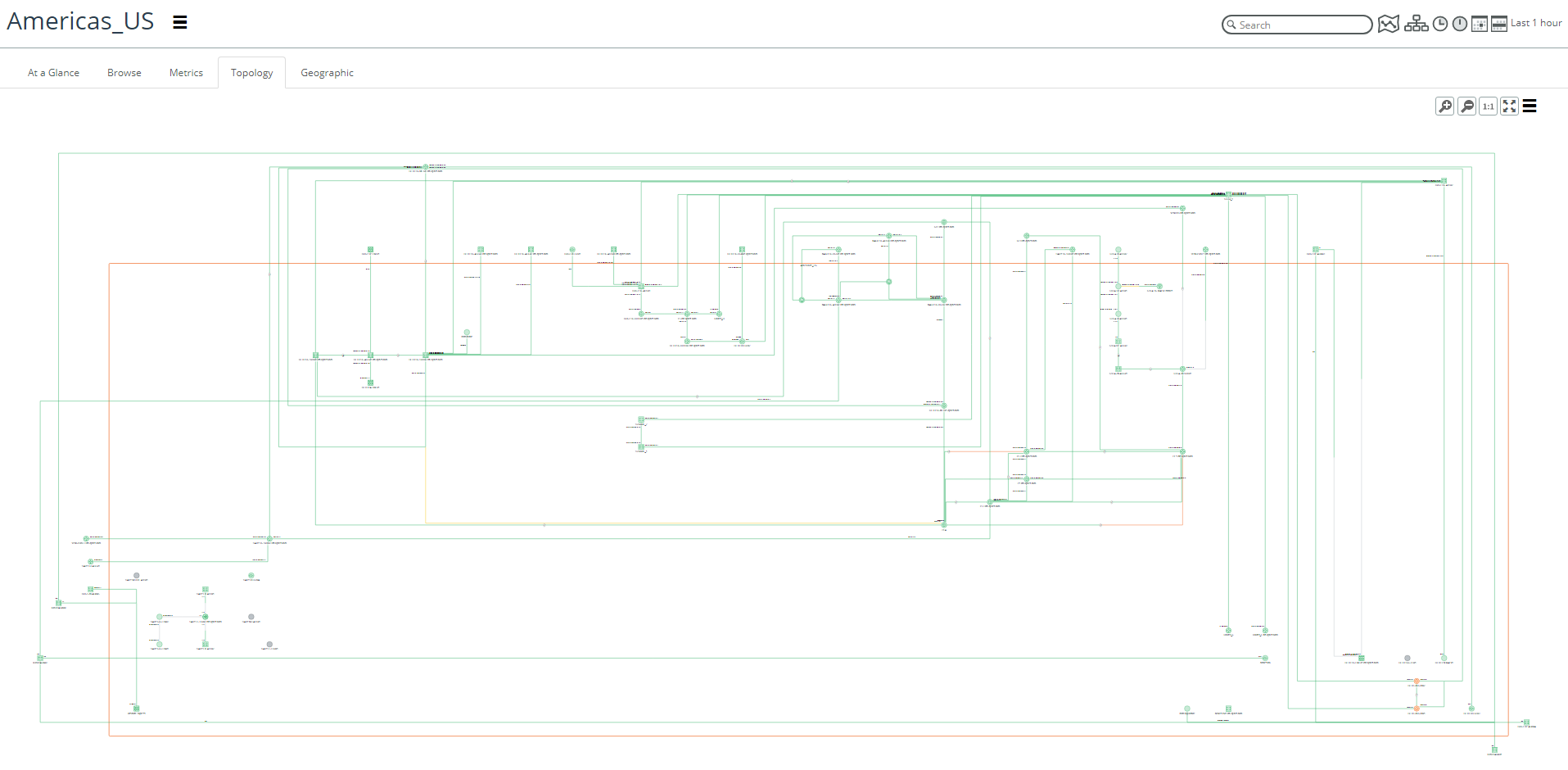
Topology view for groups and sites
The Topology tab of the Group and Site pages allows you to view the connectivity and health. The layout in the Topology tab now defaults to a high-value schematic layout and provides interface name annotations, object information panels using mouse over, object selection, and right-click operations. You can switch to the organic layout using the action menu (three vertical bars) and expand to full-size by clicking the expand icon, as shown in the following screen.
Topology view for groups and sites