Configuring Cisco Viptela SD-WAN vManage support
Cisco Viptela vManage integration settings are under Configure > All Settings > Integrate > Viptela vManage NMS.
NetIM’s Viptela SD-WAN support discovers, collects, and imports Cisco Viptela devices, topology, and configuration in addition to polling device and interface metric data from the vManage platform. Enter the vManage server’s address, credentials, and optional proxy information.
Cisco Viptela settings
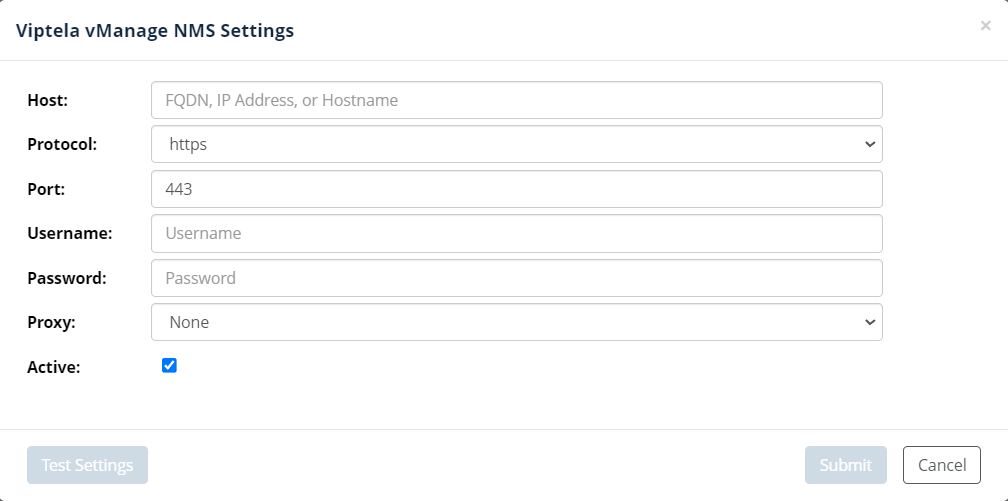
If the Viptela vManage settings are set to active, the Cisco Viptela vManager platform is queried for device, topology, and configuration data during the NetIM Master Schedule. Metrics are polled from the vManage Network Management System (NMS) with a schedule determined by the metric class settings in the default polling profile.