Configuring a maintenance window
NetIM supports creating maintenance windows to mute all notification messages associated with a device and its associated components including interfaces, CPU, memory, and so on.
To configure Maintenance Windows
1. Choose Configure > All Settings > Alert > Maintenance Windows.
The following screen appears.
Maintenance Windows page

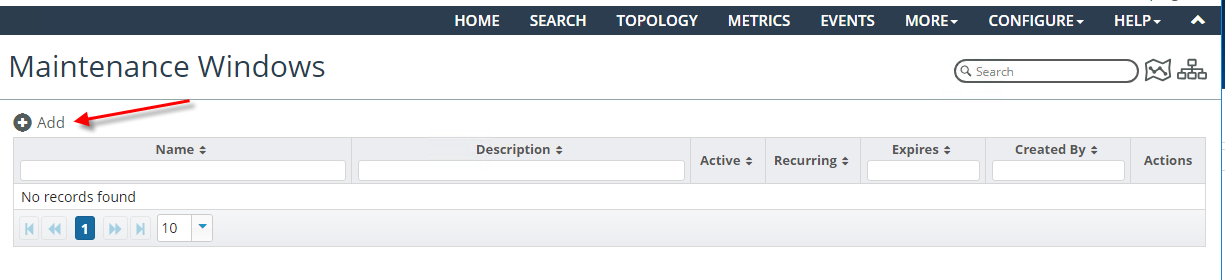
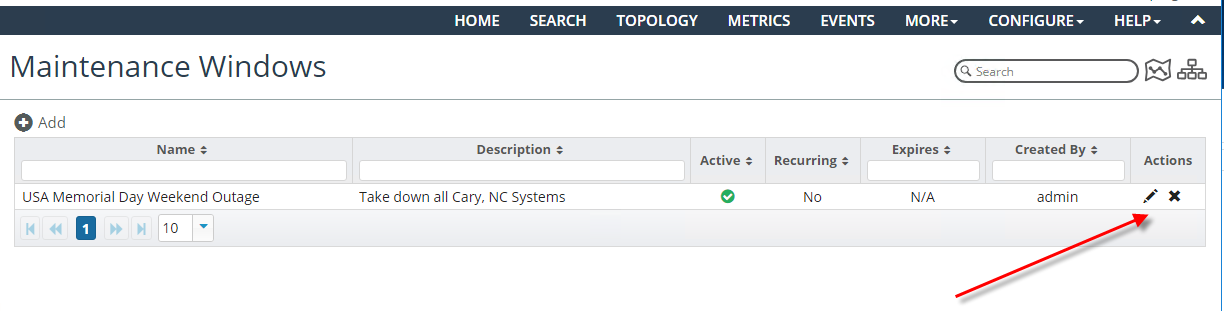
From the Maintenance Windows page you can add, view, edit, and delete maintenance windows, as shown in the following screens.
Adding maintenance windows
Deleting maintenance windows
2. To configure a new maintenance window, click the Add icon.
The following screen appears.
Maintenance Window Details pop-up
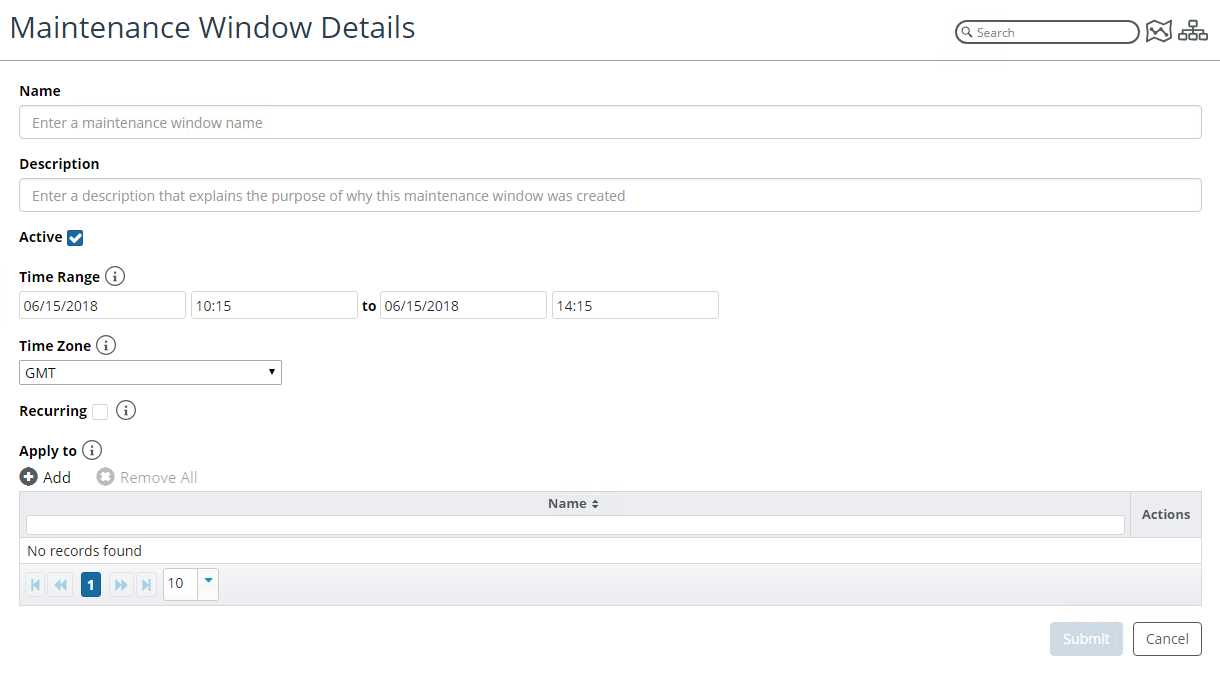
From this window you can define the following attributes:
– Name
– Description
– Active State
– Time Range
– Time Zone
– Recurrence State
– Device Selection
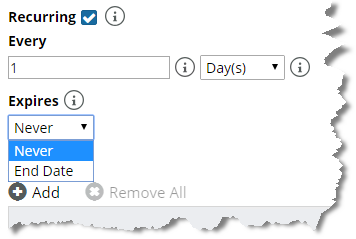
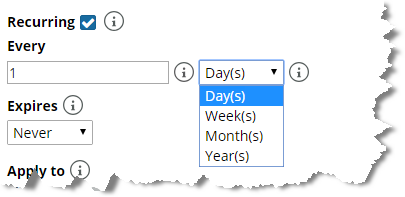
If you select the option to configure a recurring maintenance window, you must configure the recurrence frequency and expiration. Recurrence frequency options include days, weeks, months, and years, as shown in the following screen.
Defining maintenance windows
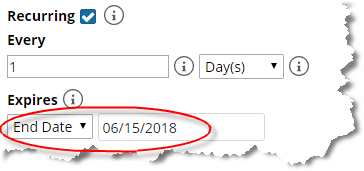
A recurring maintenance window can expire, as shown in the following screen:
Expired maintenance window
A recurring maintenance window can also be set to never expire, as shown in the following screen.
Maintenance window that does not expire