Configuring default thresholds
The Default Thresholds page allows you to define the default thresholds used for NetIM’s default alerts.
The default threshold values also control health calculations.
To configure default thresholds
1. Log in to the UI as admin.
2. Choose Configure > All Settings > Alert: Default Thresholds.
Default Thresholds page
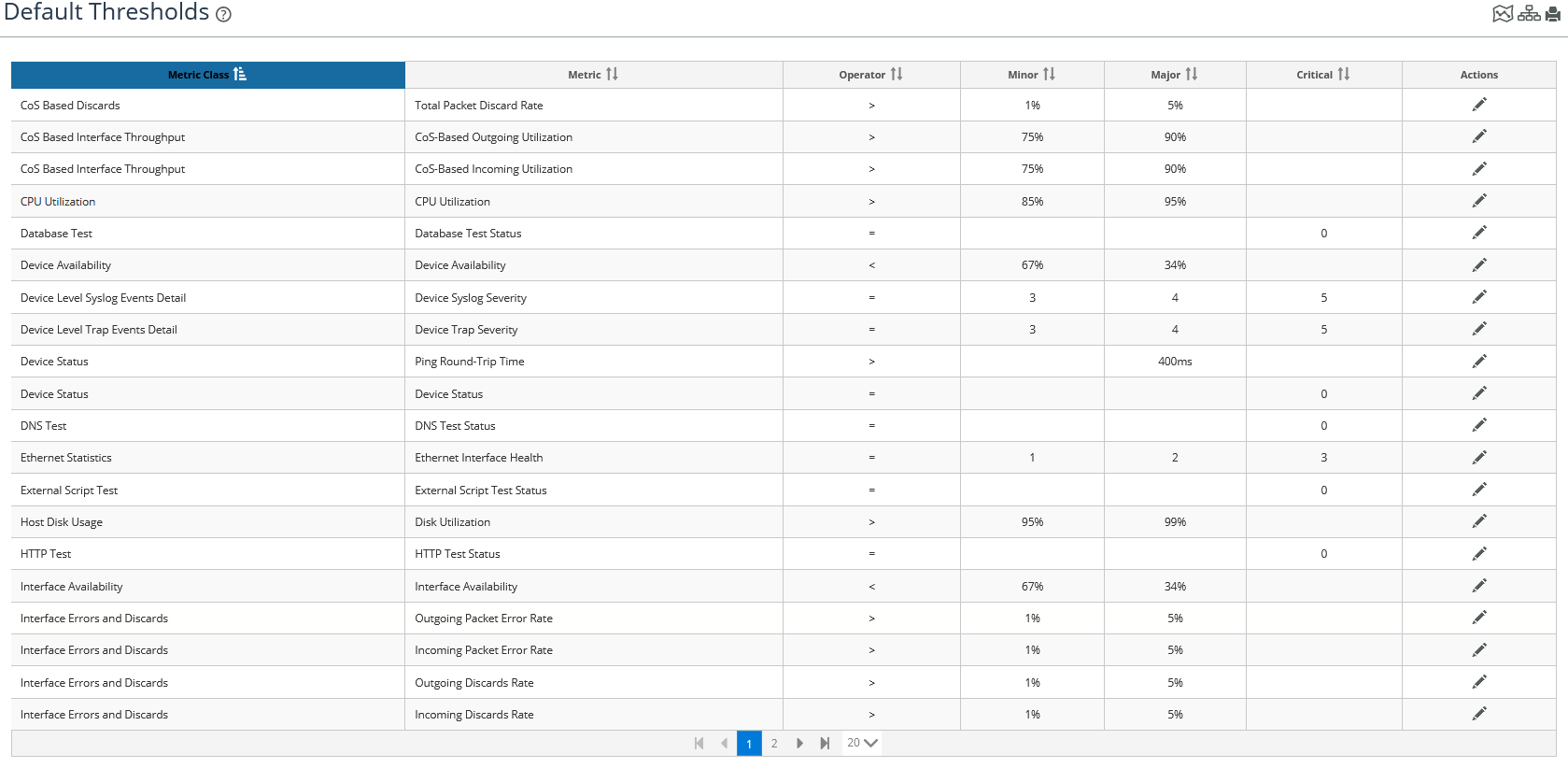
3. To edit a threshold, click the edit icon in the Action column of the threshold of interest.
Edit Default Threshold pop-up
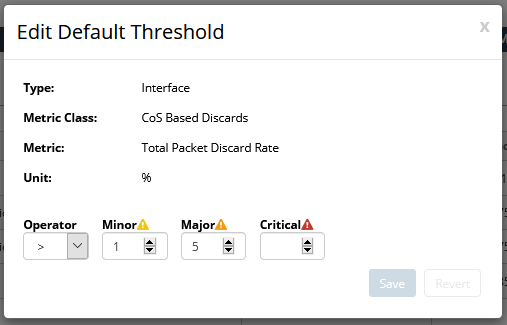
4. Make the appropriate changes to the threshold for your environment, and then click Save to record your edits.