Assigning a polling profile to devices
You can assign a polling profile to devices in two ways:
• Manually, as described in the following procedure.
To manually assign a polling profile to a device
1. Log in as a user with administrative privilege.
2. Choose Configure > Device Manager. The following screen appears.
Device Manager screen
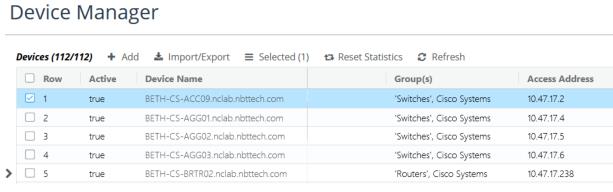
3. Highlight one or more device entries that you want to modify.
4. On the action menu, choose General > Edit.
The following screen appears.
Edit Device pop-up
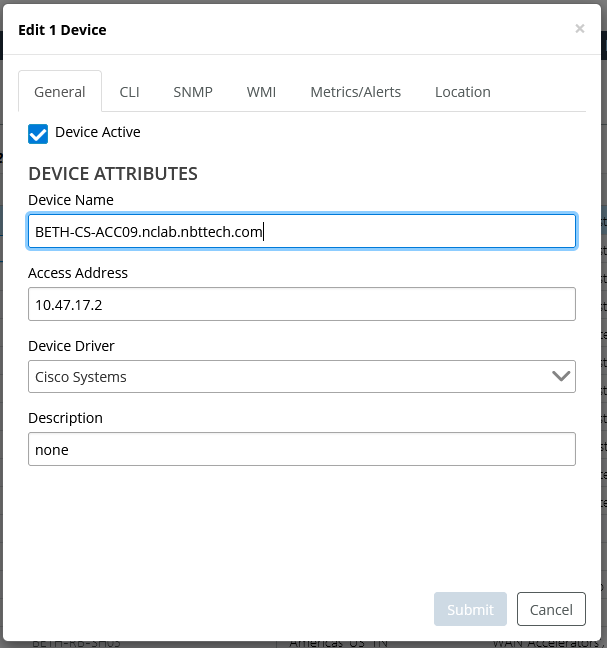
5. Select the Metrics/Alerts tab. The following screen appears.
Metrics/Alerts pop-up
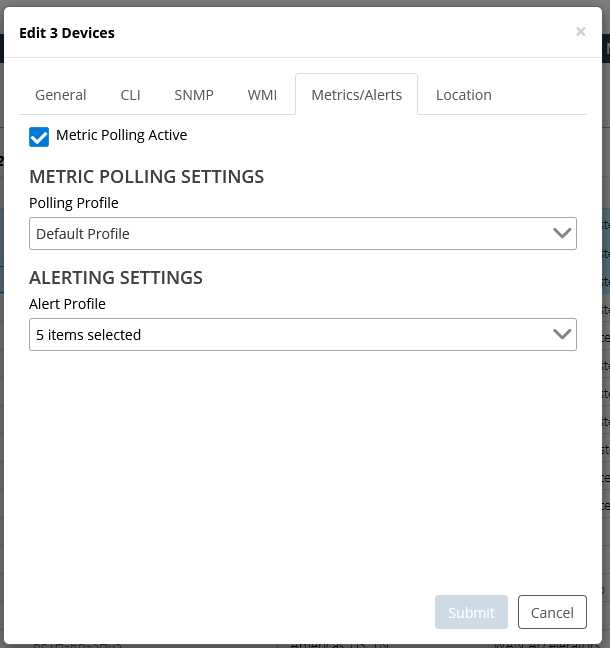
6. Select a polling profile from the pull-down menu.
7. To confirm your choice, click Submit.