Chart controls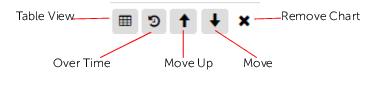
Button | Visible in | Description |
Add Object(s) | All screens | Opens a Search dialog that lets you choose objects to add to the Metrics view. After you choose the object(s), click Add Selected. |
Add Metric(s) | Show Metrics | Opens a dialog that lets you choose additional metrics you want to view for your selected objects. See
Adding metrics. |
Start Over | Returns you to the main Metrics page screen with no objects or metrics selected. | |
Share Link | After you have the Metrics view the way you want it, with all of the objects and metrics of interest, you can share this view with others. When you click Share Link, a hyperlink is shown, which you can then copy and paste into an email, for example. |