Search operations
NetIM supports the following search operations:
Search operations – Delete Objects
You can perform mass deletion operations on the selected results of your search by performing a search, selecting the objects you want to delete, and then clicking Delete Objects.
Search operations – Edit and Create Custom Attributes
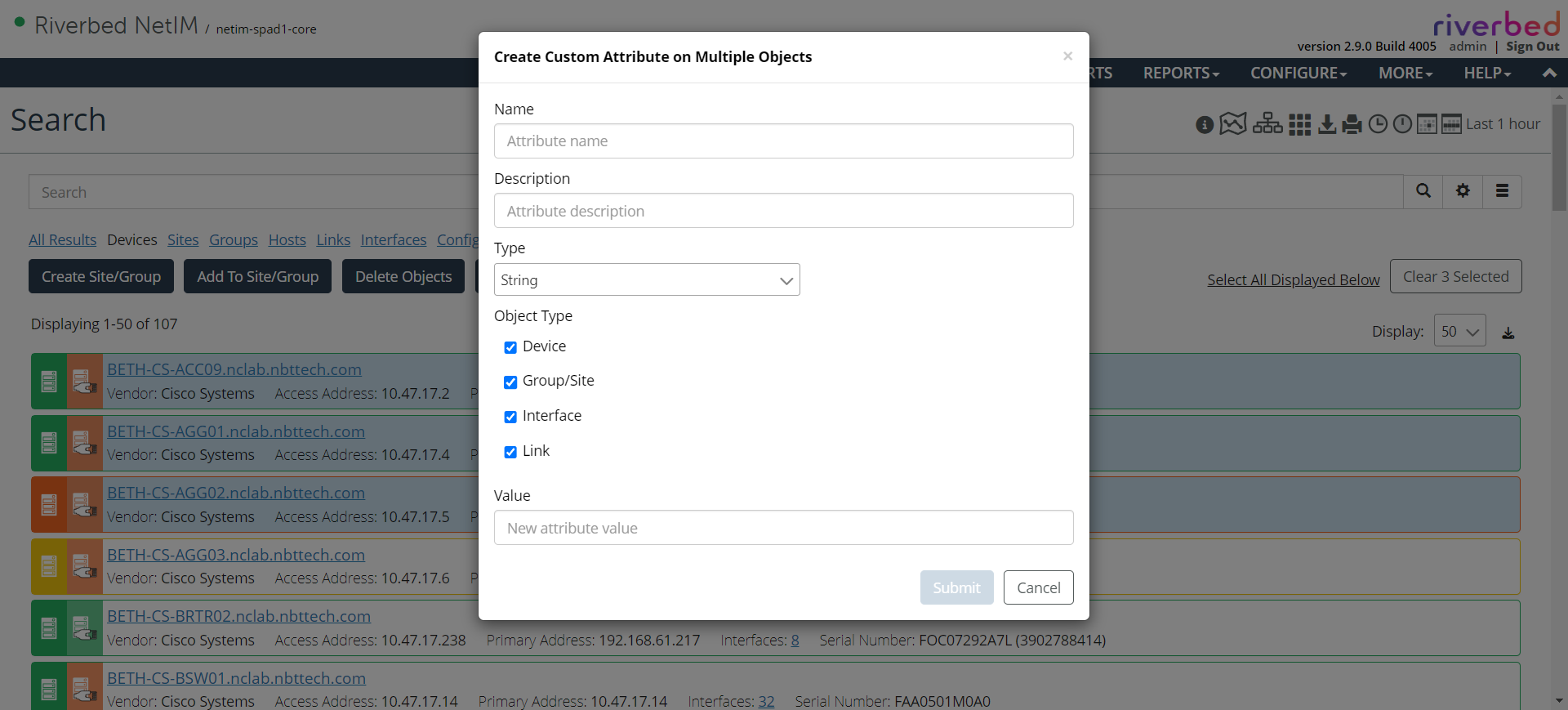
You can perform, quickly assign, and edit custom attributes on the selected results of your search. Perform your search, select the objects on which you want to edit custom attributes, and then click Edit Custom Attributes.
You can also delete existing custom attributes, edit existing custom attributes, or create and assign new custom attributes, as shown in the following screen.
Editing custom attributes on multiple objects
For more information about custom attributes, see
Custom Attributes.