Configuring alert suppression
Go to the Alerts Page by clicking ALERTS in the home ribbon.
Alert suppression lets you suppress alert notifications for a certain amount of time.
Alerts are generated when a polled metric value violates a threshold violation value and the operator that was configured for that metric. To see all the alerts generated for the network that is being monitored, go to the Alerts page.
Alerts page
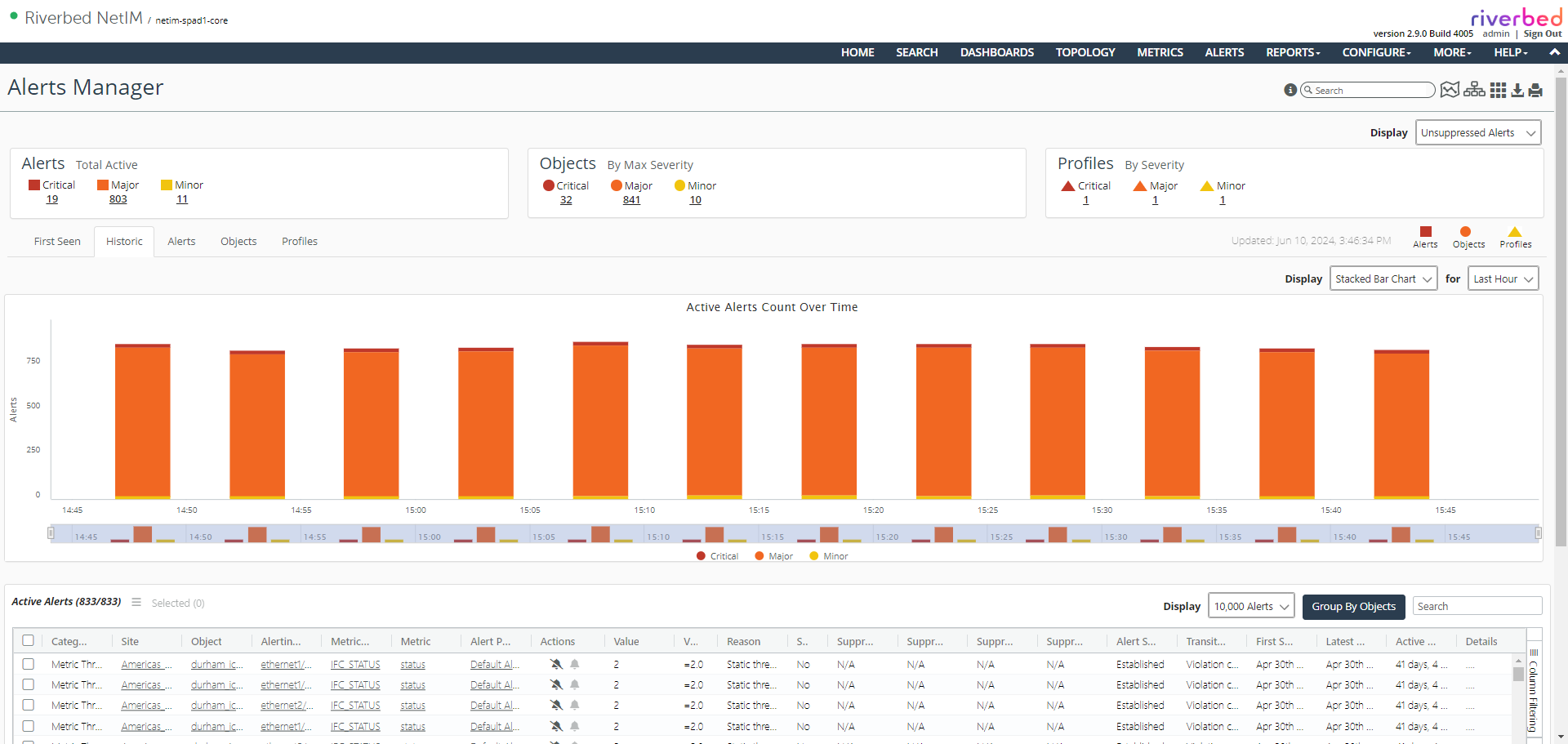
One of the first things you will notice is a drop-down option on the alerts page. By default, the drop-down choice is to show Unsuppressed Alerts. The three options are shown below.
Alerts options

If an alert has been suppressed, by default you won’t see those alerts on this page. To see the suppressed alerts, select the drop-down to specify either Suppressed Alerts or All Alerts.